macOS on All Computers
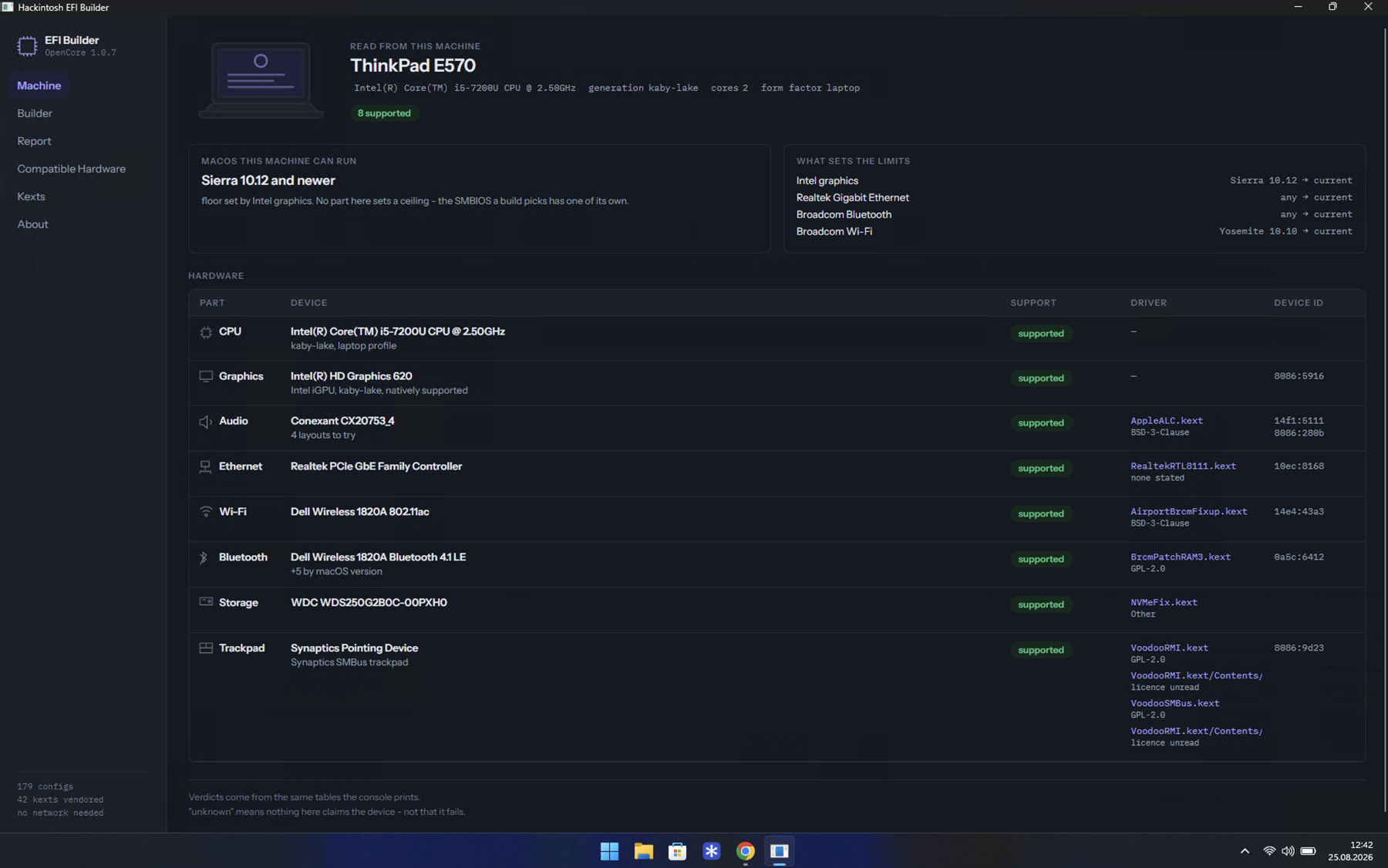
This repository installs macOS on PC hardware, and it does it through a program you download and run. The program reads the machine in front of it, works out which OpenCore EFI folder that machine needs, writes it, fetches Apple's installer, formats the USB stick and copies both onto it.
There is nothing to install alongside it and nothing to configure. The hardware tables, the kexts and the OpenCore files all travel inside it, and it opens no connection except the one that downloads macOS, when you press that button.
The short version
- Download the program and run it. If your system refuses to open it, that is expected and takes one setting.
- Answer the builder's questions. It writes an
EFIfolder. - Make the USB stick - the program formats it, fetches Apple's recovery, and copies both onto it.
- Set the BIOS up, boot the stick, and install macOS.
- Set your own ROM and serial before signing in to anything Apple.
Everything above can also be done from a terminal, or by hand from two zip files. That is all on one page: Without the window. It produces exactly the same EFI folder.
What it will not do
It does not guess. Where the machine can tell it something, the option is marked detected and you still choose - detection can be wrong, and a wrong answer that arrives already ticked is one nobody rechecks.
It does not claim to know hardware it has no data for. unknown next to a
device means no table here says anything about that device, not that it fails.
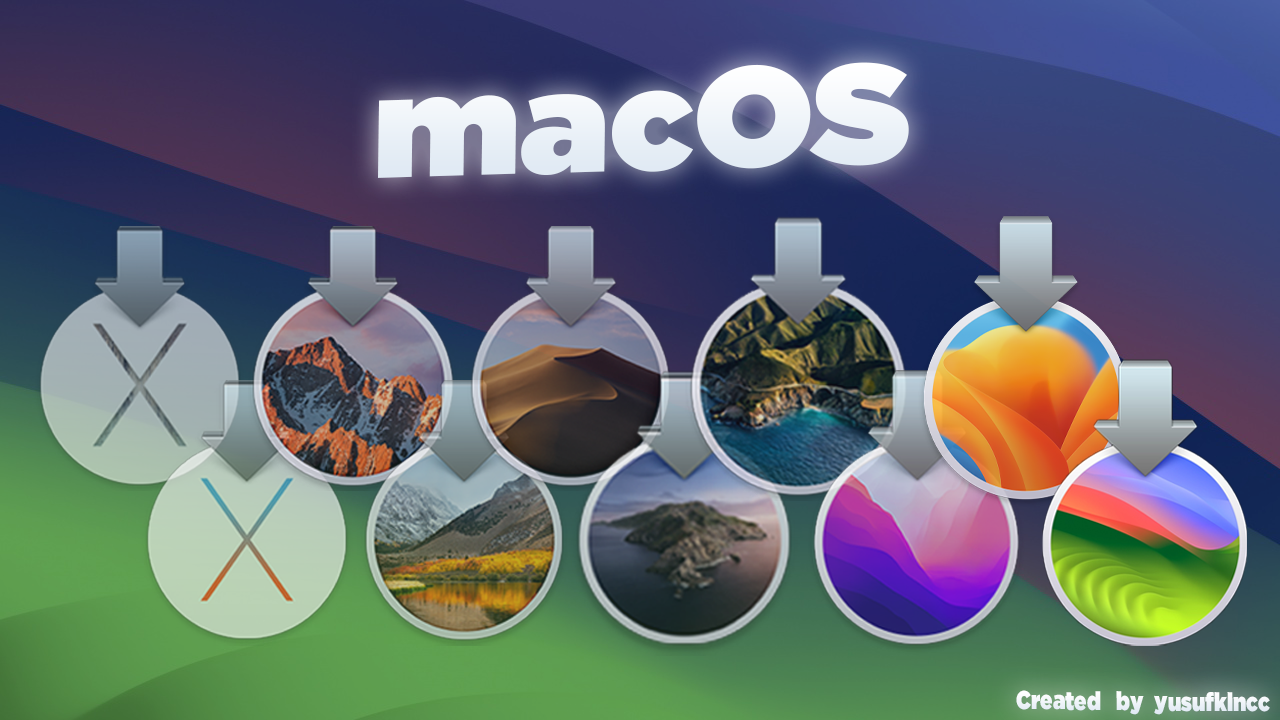
It does not redistribute Apple's software. No installer, no BaseSystem, no image: the recovery download comes from Apple, over Apple's own protocol, using the tool OpenCore ships for it. The macOS release icons in the Recovery pane are Apple's, and are there to identify which release a tile stands for.
Something went wrong
Open an issue with what you have and what happened. The Report pane
writes a machine.json with no serial numbers in it - attaching that
turns a guess into an answer.