First boot
Select the USB from your computer's boot menu. The OpenCore screen comes up; press Enter on Install macOS "Sonoma", or whichever release yours is.
Text will start flowing down the screen. That is verbose mode, showing what happens as the machine boots. If it keeps moving you are fine - after a while the Apple logo and the installer appear.
The text stops and stays stopped
Photograph where it stopped. The last few lines are what an issue needs; a
machine.json from the Report pane alongside it turns the guess into
an answer.
If you get an SMBIOS error
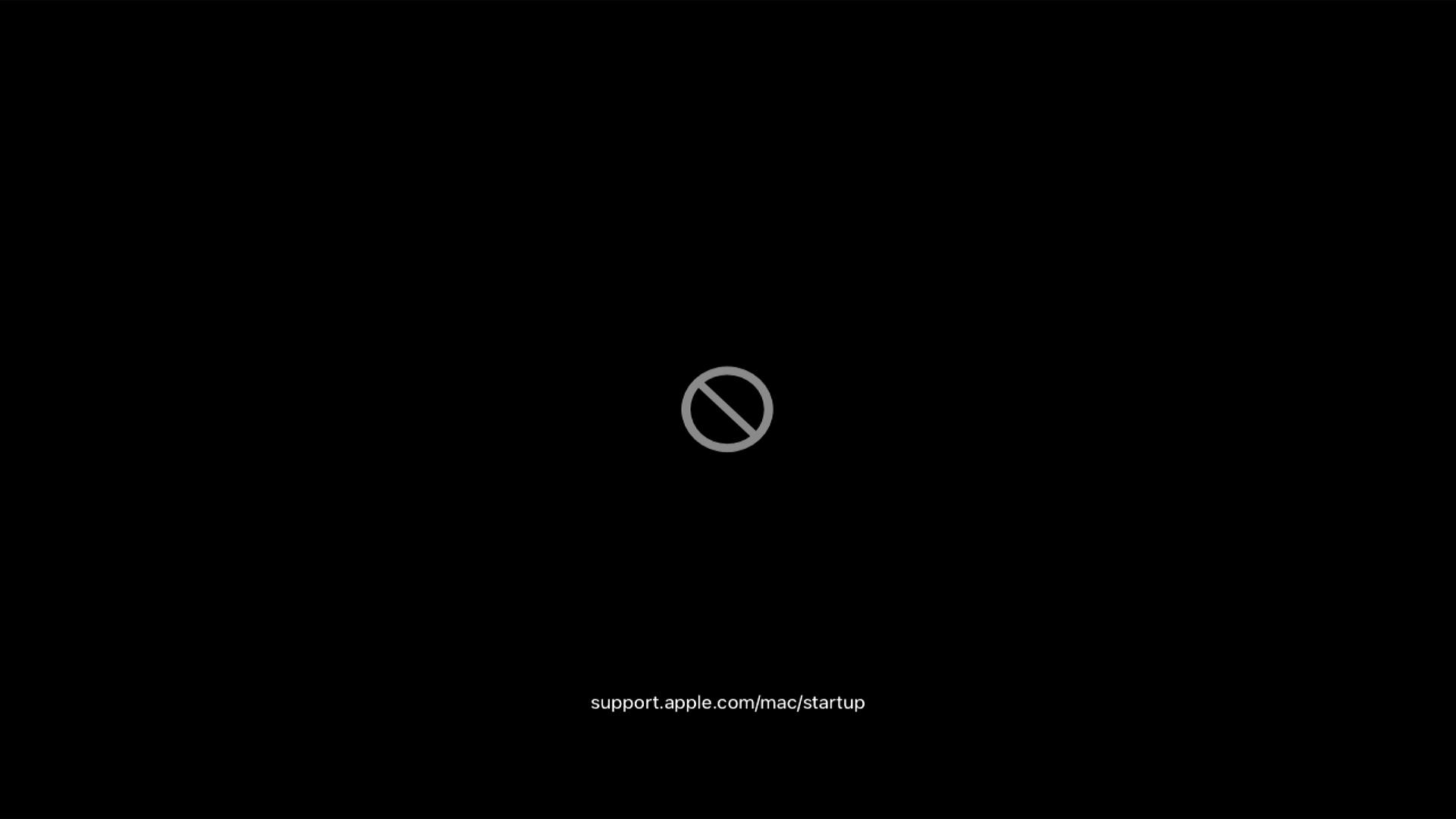
This is a mismatch between the macOS you are trying to install and the Mac identity the config claims. Apple decides what it will install from that identity, not from your hardware.
The builder checks this before it writes anything and offers to set an identity
that is served the release you asked for - see which macOS, and why it is not
only about kexts. If you
are here anyway, open config.plist in a text editor and change
SystemProductName to a model Apple serves that release, then boot again.
Legacy BIOS
Which file boots depends on which bootloader put it there, and the two answers are different. Look in the root of the EFI partition.
There is one file, called boot, and BootInstall wrote it. There are no
numbered variants to try - if it does not boot, the other thing that exists
is the BlockIO build of the same file, for firmware that cannot read
the disk the ordinary way.
Take Utilities/LegacyBoot/ from the
OpenCore release
matching your EFI, and run BootInstall_X64_BlockIO.tool instead of
BootInstall_X64.tool. See
Building the stick on a Mac,
which is the same job done from macOS.
boot6, boot7, boot9 and the rest are Clover's third-stage files,
and a stick written from one of the images on this site may
carry them. They are variants for different disk controllers, so trying
them in turn is a real thing to do:
- Rename
boottoboot-default. - Rename
boot6toboot, and try it. - Then
boot7, thenboot9.
None of this applies to an OpenCore EFI, where those files are simply not there.
Once the installer is on screen, your Ethernet or Wi-Fi kext is the important piece for what comes next.