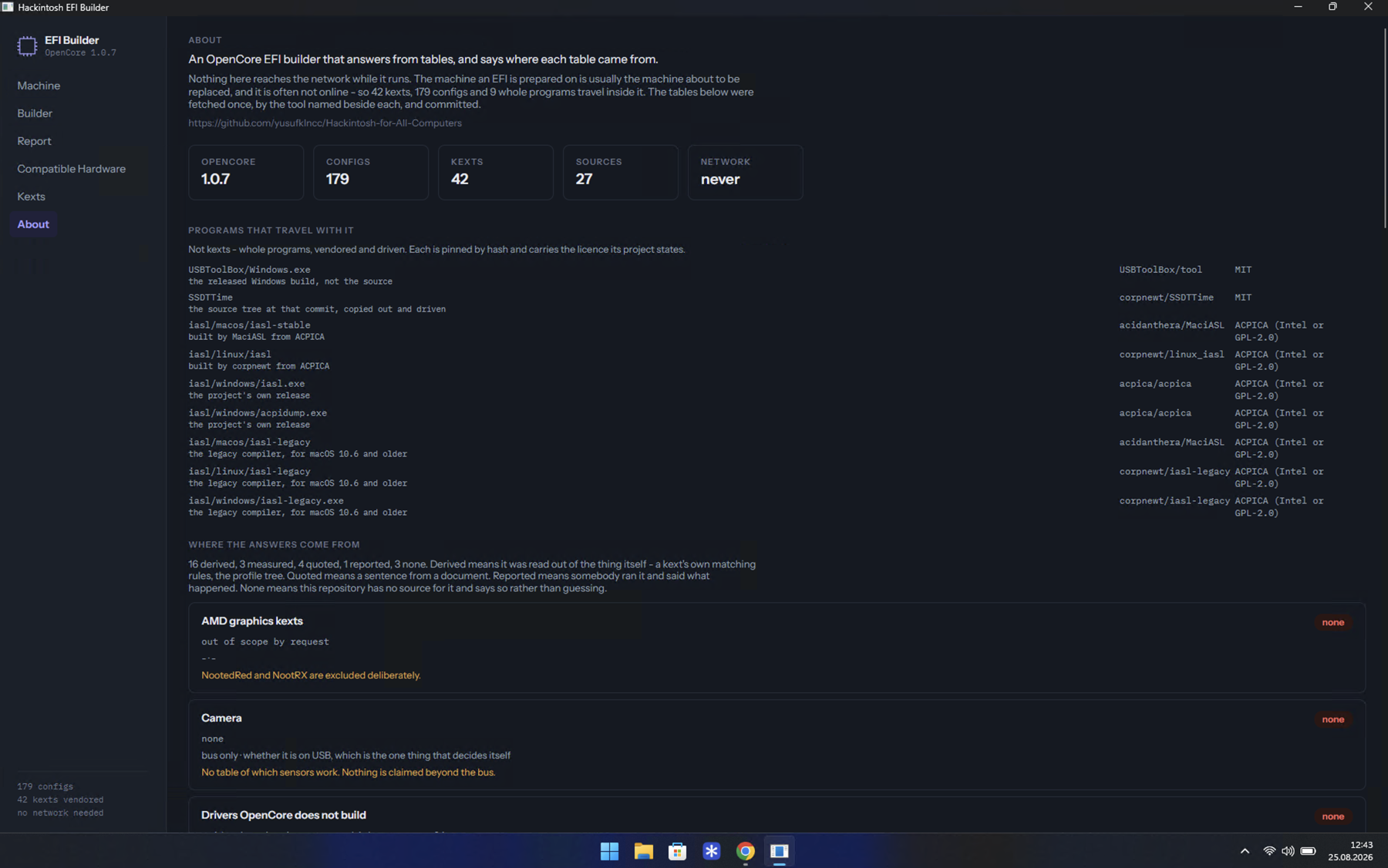
The app
Everything is in one download. Take the package for your system from Releases, unzip it, and run it.
HackintoshEFIBuilder-win-x64.zip
Unzip it anywhere and run HackintoshEFIBuilder.exe.
HackintoshEFIBuilder-osx-arm64.zip for Apple silicon,
HackintoshEFIBuilder-osx-x64.zip for Intel.
Unzip it, drag HackintoshEFIBuilder.app into your Applications folder,
and open it from there.
No .NET, no Python, no runtime of any kind. Each package carries two programs -
HackintoshEFIBuilder, the window, and EFIBuilderEngine, the builder it
runs. Keep them together.
The window reimplements none of the builder. It runs the same program a terminal runs and draws its answers, so a screen here cannot say something the console would not.
The first run is refused, on Windows and on macOS
Neither program is signed by a company that pays Microsoft or Apple. That is one dialog on each system, and When your system blocks it has the steps.
The nine panes
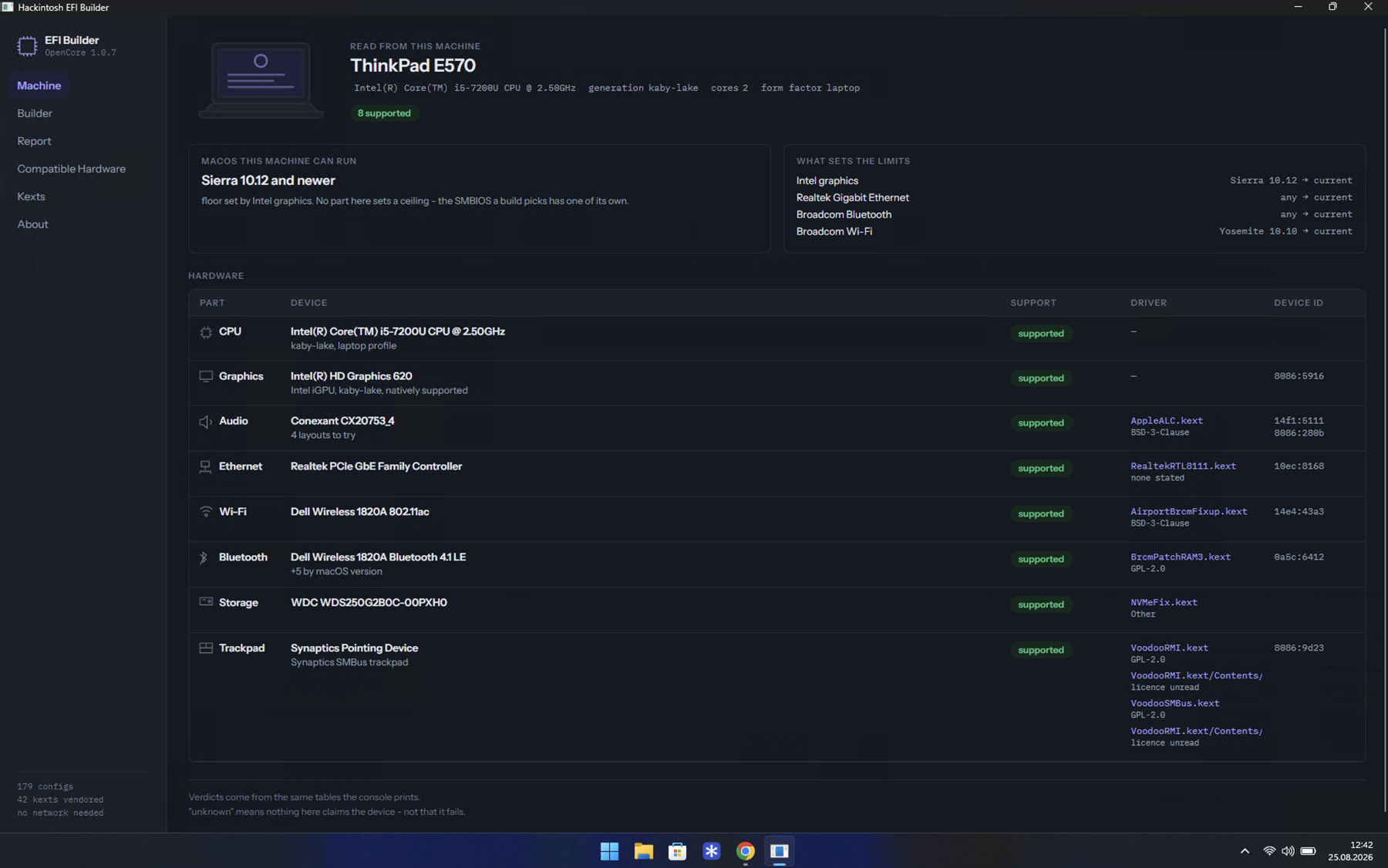
Machine
Where it opens: the model name, what each part is, whether macOS drives it, which kext does the driving, and the oldest macOS this hardware can boot together with the part that sets that floor.
unknown means no table here claims the device - not that it fails.
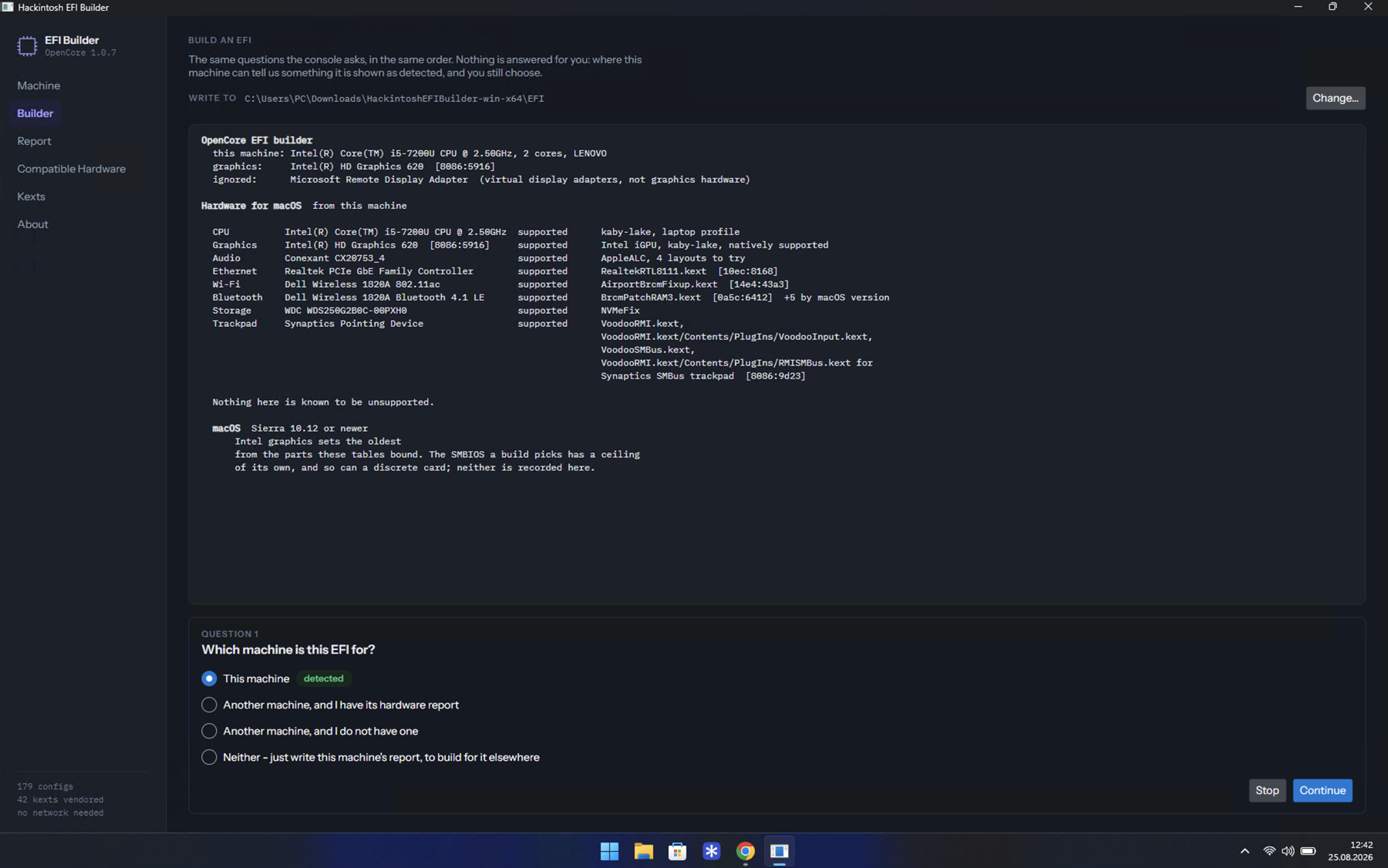
Builder
Asks the questions and writes the EFI folder. It answers none of them for you: where the machine can tell it something the option is marked detected, and you still choose.
Get your EFI :material-arrow-right:
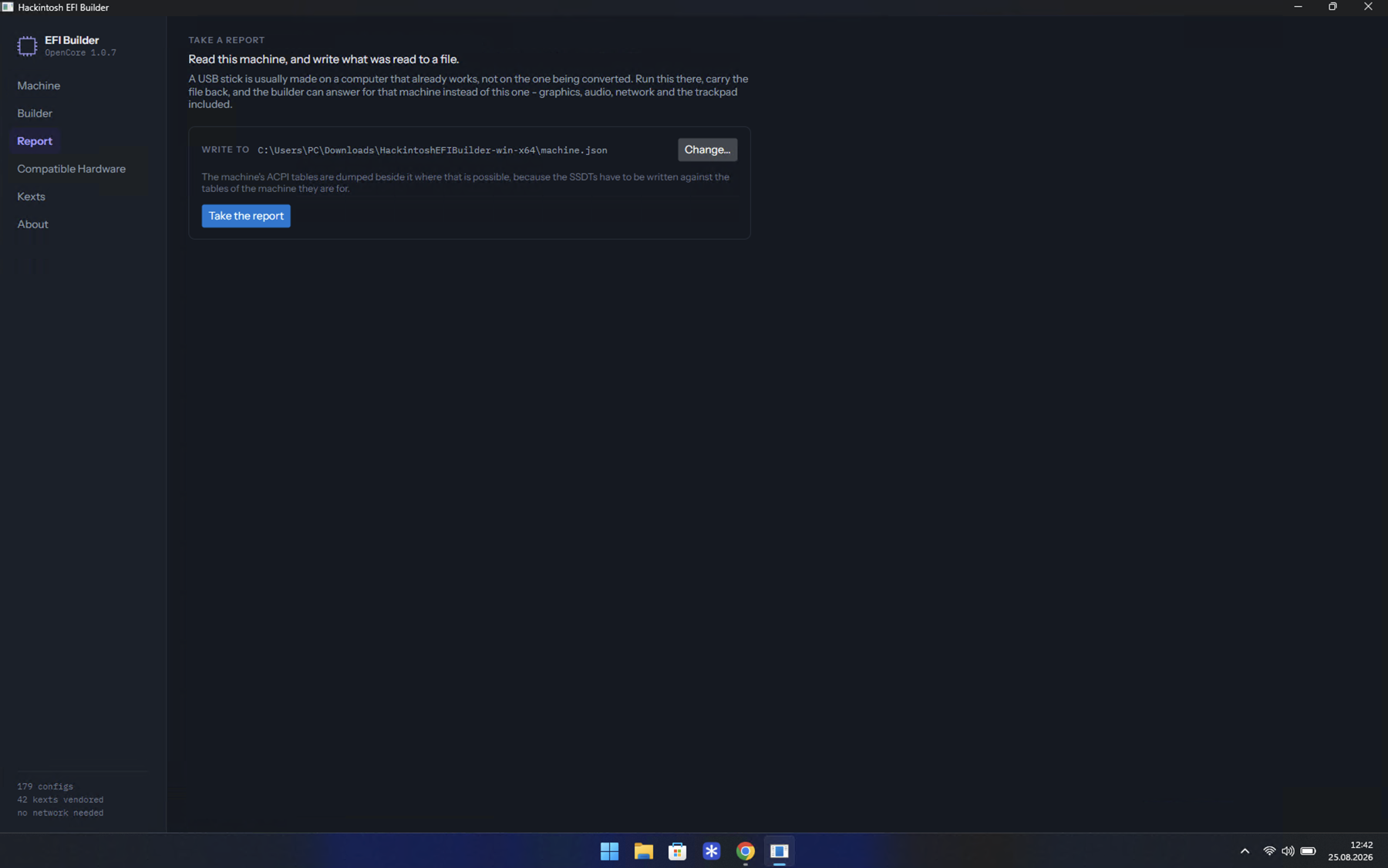
Report
Reads this machine into a single JSON file and dumps its ACPI tables beside it. That is the file to carry to the computer you build on, when the stick is being prepared somewhere else.
It holds no serial numbers and no raw device dump, so it is safe to send to someone who is helping you.
Building for another machine :material-arrow-right:
Recovery
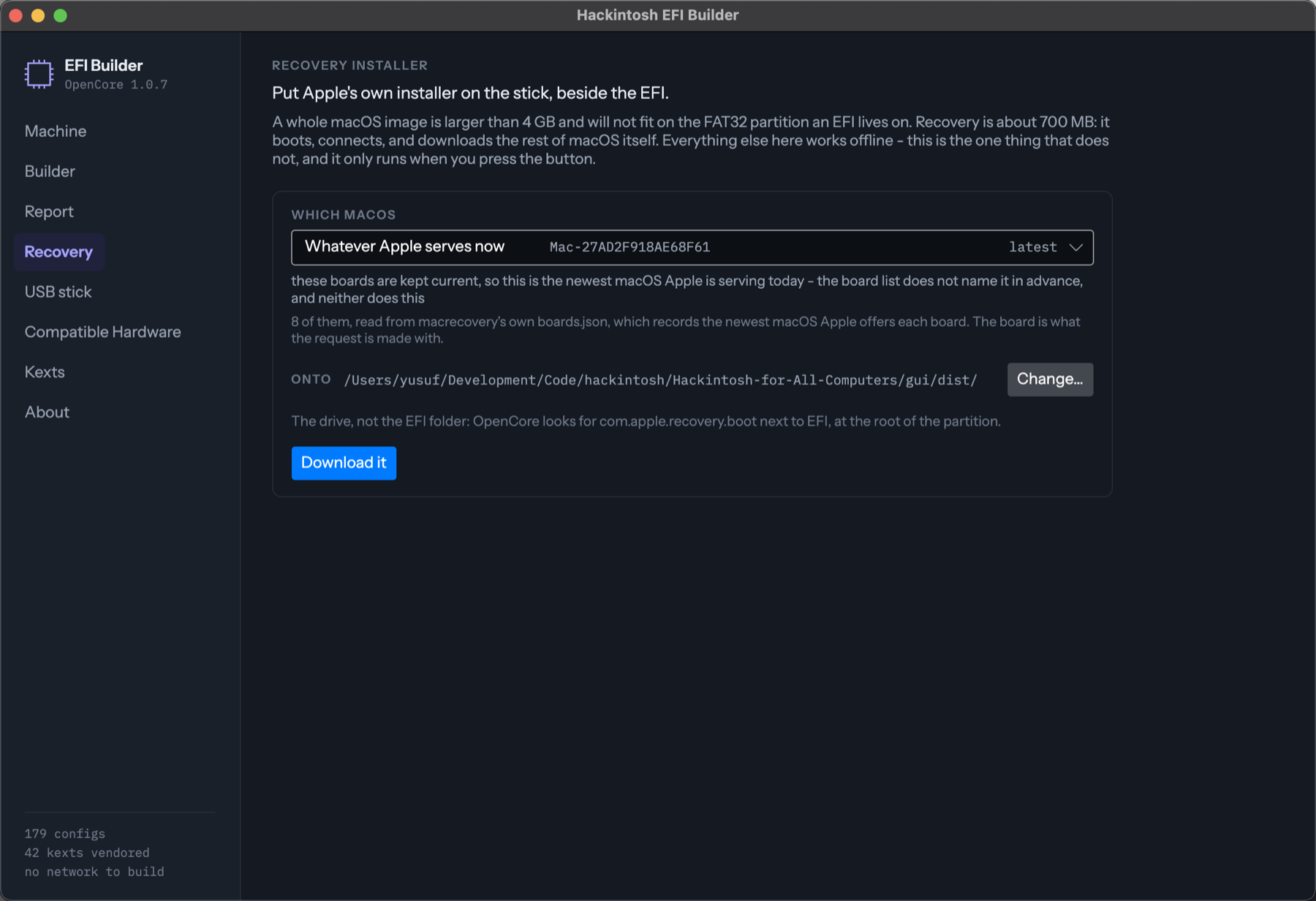
Puts Apple's own installer on the stick beside the EFI - about 700 MB that boots, connects, and downloads the rest of macOS itself. It is the answer when a whole image will not fit: the FAT32 partition an EFI lives on cannot hold a file over 4 GB.
Every release the board table offers is a tile, newest first. The top one asks
for whatever macOS Apple is serving rather than for a version number; the board
table will not name it, so the name beside it comes from data/mac.toml, and
Check with Apple asks Apple directly for today's answer.
Before you download anything it says whether the machine you are building for can actually finish: recovery pulls macOS down on that machine, so a laptop whose only card is a Realtek Wi-Fi boots the installer and then stops. If its Ethernet is driven it tells you to use a cable. See Make the USB stick.
Installer
Turns an installer app into a whole bootable image in one run: sizes it,
partitions it, calls Apple's createinstallmedia, makes it bootable on a
legacy BIOS machine with OpenCore's own DuetPkg, and copies the EFI folder in.
What comes out is a flat sector image, so balenaEtcher writes it to a stick from any system - the stick can be made again later on a machine with no macOS on it.
macOS only, because createinstallmedia is an Apple binary that ships inside
the app; on Windows and Linux the pane says so. It is the one place in the
program that asks for an administrator password, and it shows the script it
will run before asking.
Building the stick on a Mac :material-arrow-right:
USB stick
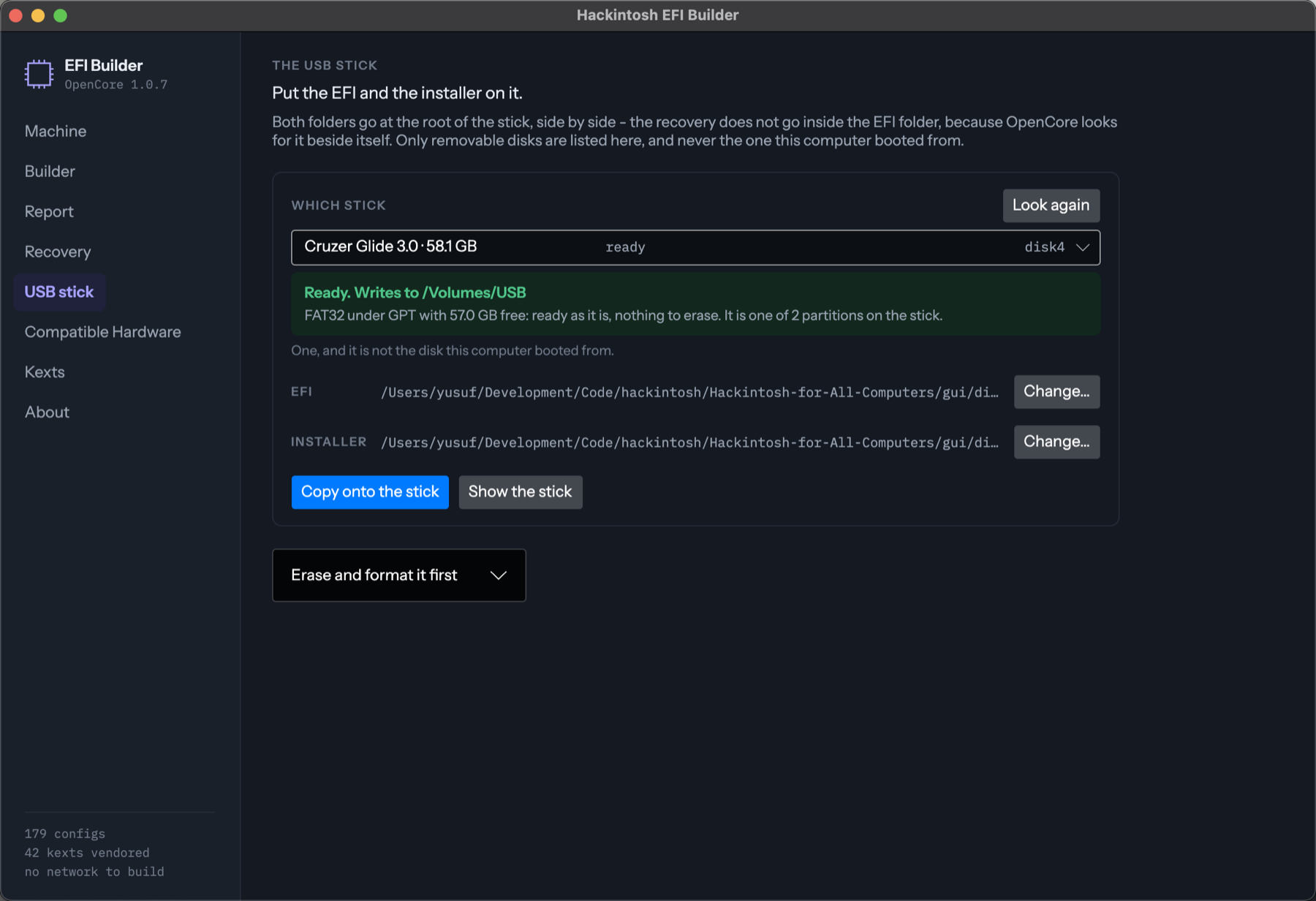
Finds the removable disks, formats one if you want, and copies both folders onto it in the right places. It says whether the stick can be written to as it stands - FAT32 under GPT with room - or whether it has to be erased first.
It lists removable disks only, never the one the computer booted from, and erasing asks you for the disk by its own name before it starts.
Compatible Hardware
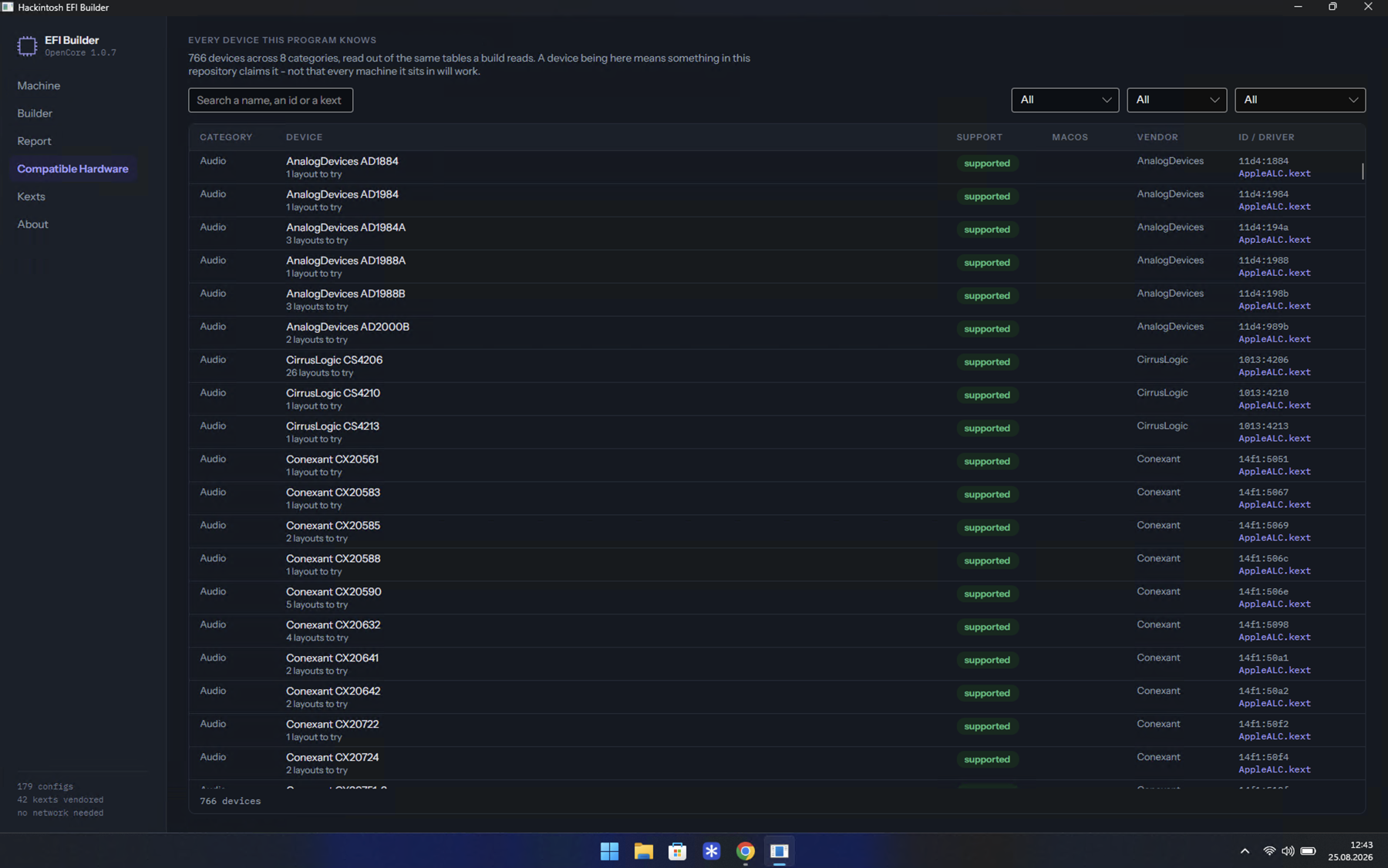
Lists 766 devices across 8 categories - everything this repository knows - searchable by name, id or kext, and filterable by category, vendor and support. It is read out of the same tables a build reads, so it cannot drift from what the builder would do.
Kexts
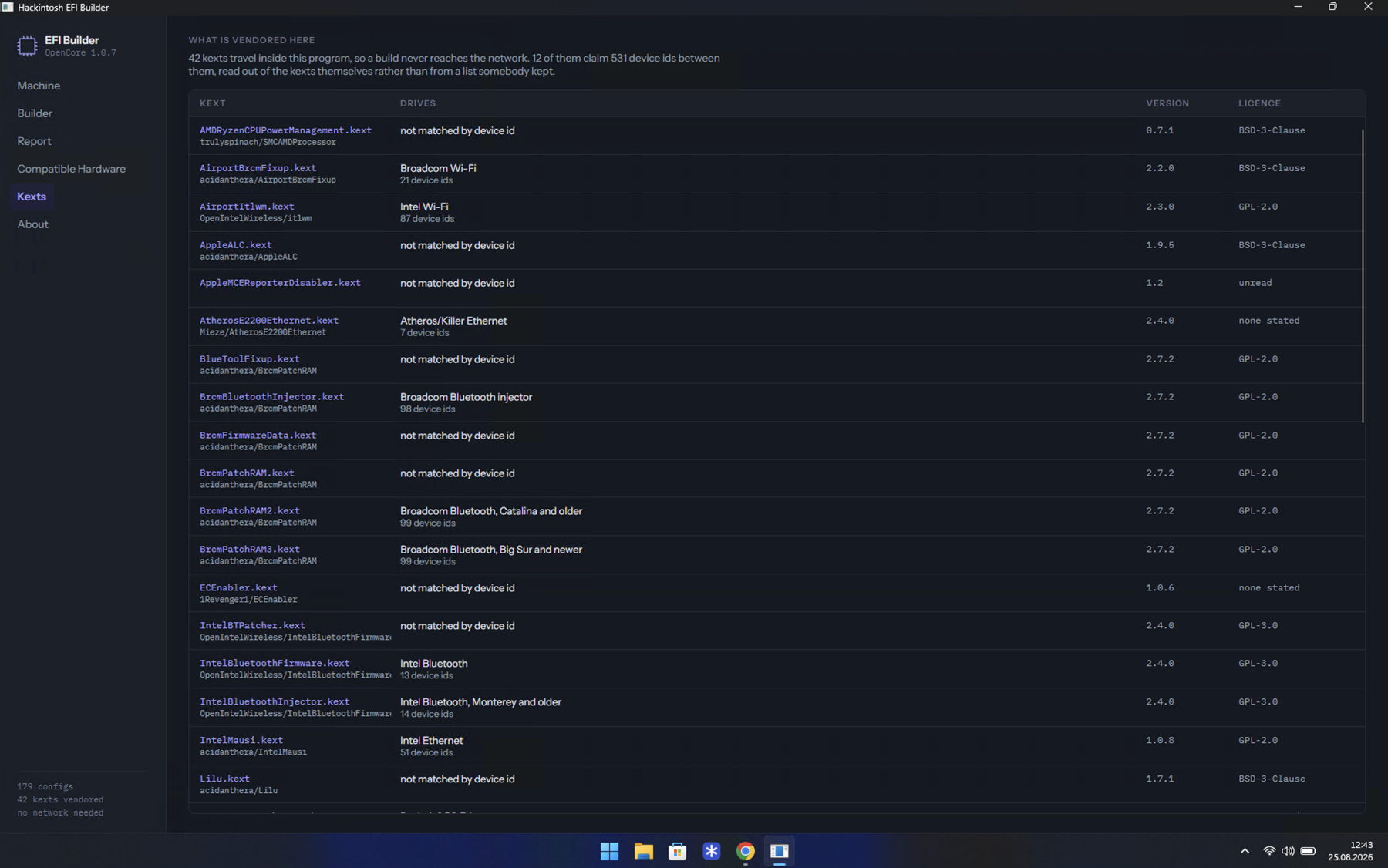
Lists the 42 kexts that ship inside the program, with the project each comes from, its version, its licence, and how many device ids it claims - read out of the kexts themselves rather than from a list somebody kept.
About
Names where every answer comes from: which tool fetched each table, whether it was derived, measured, quoted or reported - and the areas with no source at all, said plainly instead of guessed.